Login
Sign in to MyHaccpPlan with your email and password.
What this is for
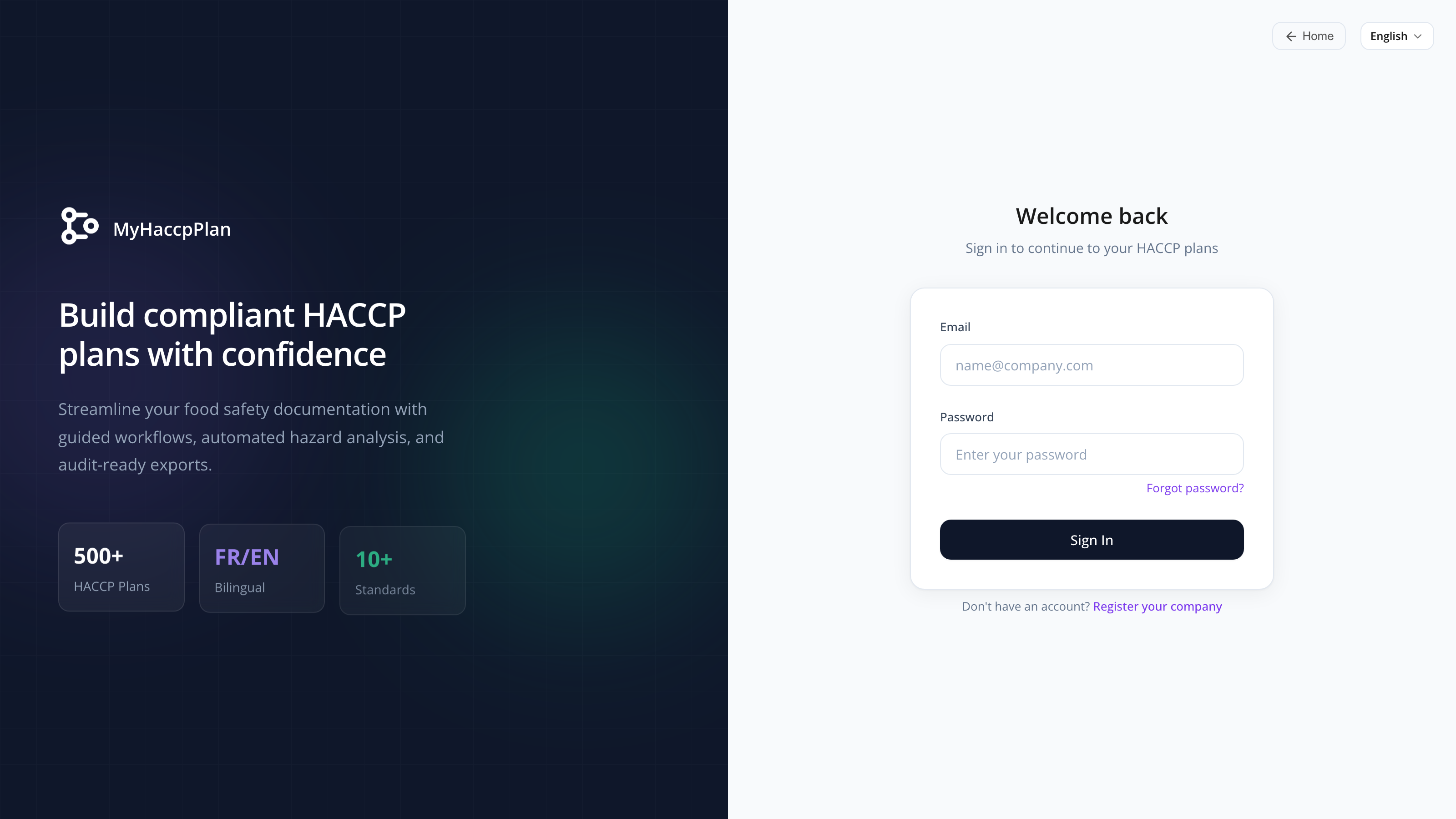
The login page is how you authenticate into MyHaccpPlan. It’s a two-panel layout: a marketing/visual panel on the left and the sign-in form on the right.
You need an account to sign in. Accounts are either:
- Created by your admin, or
- Self-registered through the Registration form, then approved by your admin.
Common tasks
How to sign in
- Go to www.myhaccpplan.com/login (or click Sign in from the landing page).
- Enter your email and password.
- Click Sign in.
On success, you’re sent to the Dashboard. If your credentials are wrong, you’ll see an error under the form.
How to recover a forgotten password
- On the login page, click Forgot password.
- Enter your email and complete the CAPTCHA.
- Click Send reset link.
If your email is registered, you’ll get a reset email within a minute. Open the link and set a new password (minimum 8 characters). See Reset password.
For security reasons, the form always shows a success message — even if the email isn’t registered. This prevents anyone from probing whether a given email has an account.
How to register a new company account
- On the login page, click Register company.
- Fill in the company name, contact name, email, and (optionally) phone, address, and a message.
- Complete the CAPTCHA and submit.
Your registration is sent to a Datahex admin. You’ll receive a welcome email once it’s approved. See Registration.
How to switch language before signing in
The login page has a language switcher in the top-right. Click it to switch between English and French — your selection is remembered for next time.
Screen reference
Sign-in form
| Field | Required | Description |
|---|---|---|
| Yes | Your registered email address. | |
| Password | Yes | Your password. |
| Sign in | — | Submits the form. |
Top bar (right panel)
| Element | What it does |
|---|---|
| Home (←) | Returns to the landing page. |
| Language switcher | Switches the interface language. |
Footer links
| Link | Goes to |
|---|---|
| Forgot password | Password reset request. |
| Register company | Company registration form. |
FAQs
My email and password are correct but I can’t sign in. Your account may have been deactivated. Ask your admin to check your status. If you have no admin contact, use the help link on the page.
Why does the login error not say which field is wrong? On purpose, for security. Telling an attacker that “the email exists but the password is wrong” leaks information about who has accounts. The combined error makes credential-stuffing attacks more difficult.
How long does my session last? 24 hours of activity. After that you’ll be redirected to the login page and need to sign in again.
Can I stay signed in on multiple devices? Yes. Each browser/device maintains its own session.
Why do I get a CAPTCHA on Forgot password and Register but not on Sign in? The CAPTCHA protects forms that are world-public (no account needed) from automated abuse. Sign in is rate-limited on the server.