Forgot & reset password
Recover access to your account by email when you’ve lost your password.
What this is for
If you’ve forgotten your password — or if your admin has asked you to set a new one — use the password-reset flow. You’ll request a one-time link by email, click it, and pick a new password.
There are two pages involved:
- Forgot password (
/forgot-password) — request the email. - Reset password (
/reset-password/:token) — set a new password using the link.
Both are public; you don’t need to be signed in.
Common tasks
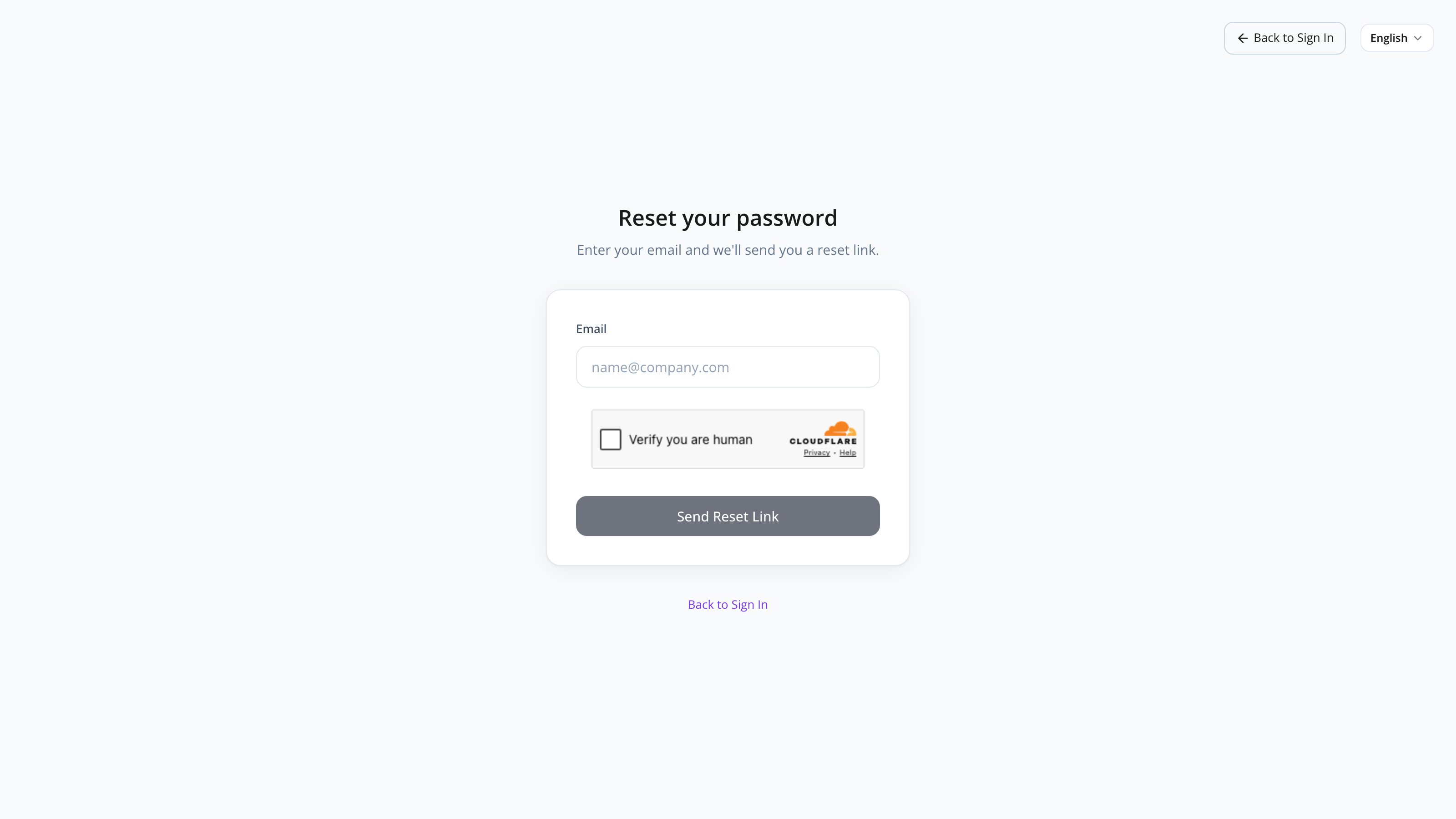
How to request a password reset
- From the login page, click Forgot password.
- Enter the email associated with your account.
- Complete the CAPTCHA.
- Click Send reset link.
You’ll see a confirmation message and can return to the login page.
For security, the page always shows the same success message — even if the email isn’t registered. This prevents attackers from confirming which emails have accounts.
How to set a new password
- Open the email titled “Reset your MyHaccpPlan password” and click the Reset password button (or copy the link).
- The Reset password page opens. The system verifies the token automatically.
- Enter a new password (minimum 8 characters).
- Confirm the password (type it again).
- Click Reset password.
On success, you can sign in with the new password right away.
What if the link is expired or invalid
Reset links expire after a short time (typically one hour) and are single-use.
If the page shows “This link is expired or invalid”:
- Click Request a new link.
- Repeat the forgot-password flow.
If you keep getting expired-link errors, check that your email client isn’t pre-fetching the link (some link-checking services consume the token before you can use it).
Screen reference
Forgot password page
| Field | Required | Description |
|---|---|---|
| Yes | The email registered to your account. | |
| CAPTCHA | Yes | Bot-protection check. |
| Send reset link | — | Submit (disabled until CAPTCHA solved). |
| Back to login | — | Returns without submitting. |
Reset password page
| Element | Description |
|---|---|
| Loading state | The token is being verified. |
| Invalid/expired state | Token is bad. Request a new link button shown. |
| Form state | Enter and confirm the new password. |
| Success state | Password is set. Sign in button shown. |
| Field | Required | Description |
|---|---|---|
| New password | Yes | At least 8 characters. |
| Confirm password | Yes | Must match the password field. |
FAQs
I never got the reset email. Check your spam/junk folder and any email filters. If still missing, the email might not be registered to an account — ask an admin to verify (admins can also reset your password directly from the Admin panel).
The link says “expired” but I just opened it. Some email security tools (anti-phishing, link checkers) “click” links to scan them, which consumes the token. Try requesting a new link and clicking it within a couple of minutes, on the same device that requested it.
Can I reuse my old password? There’s no formal history check, but for security you should pick a new one — especially if you suspect the old one was compromised.
What’s the password requirement? At least 8 characters. We recommend a passphrase (multiple words) or a random string from a password manager.
Can my admin reset my password without email? Yes. Admins can set a new password for any user from user management. They’ll share the new password with you securely.